AI growing up video maker
Make a Growing Up Video From Photos, Baby to Today
Upload 2 to 32 photos of the same person at different ages. The AI puts them in age order and morphs each age into the next, then adds music. Your MP4 is ready in 5 to 10 minutes.
- Real photos, not an age filter
- One person, a couple or a pet
- One-time payment, no subscription
Create your AI growing up video
Photos are private and deleted after 30 days.
How to Make a Growing Up Video in 3 Steps
No editing skills needed. The AI handles the order, the face alignment and every transition.
- 1
Upload 2 to 32 photos from different ages
Baby photos, school pictures, last summer: drop them in, in any order. Clear photos where the face is easy to see work best.
- 2
The AI sorts them by age and morphs each pair
It estimates the age in every photo, lines them up from youngest to oldest, and turns each pair of neighbors into a smooth transition.
- 3
Add music and download your MP4
The transitions are joined into one video with music. Redo any segment you do not love, then download or share the link.
Growing Up Video Examples: Kids, Couples and Pets
Growing up videos made from family photos, in vertical and square.
From the first photo to the last
The first and last frame of each video: everything in between is the AI growing them up.
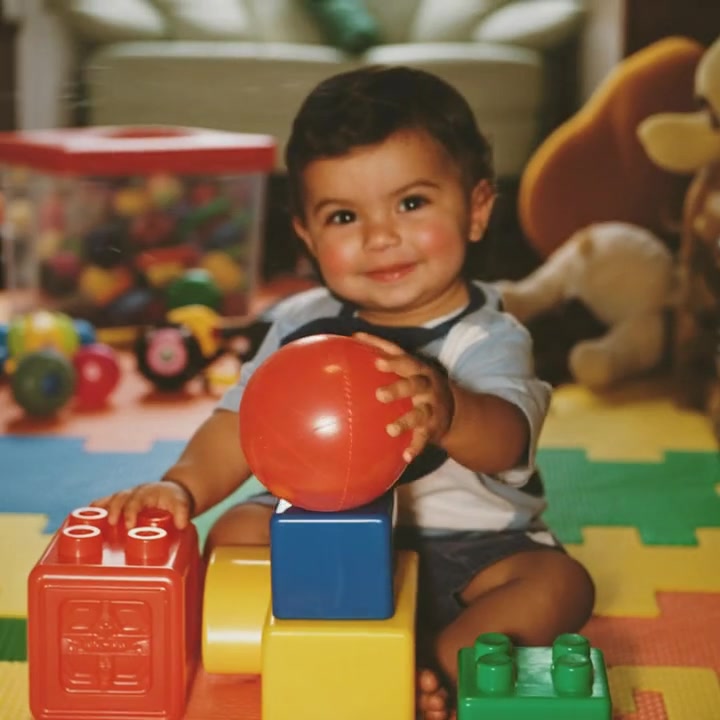 First photo
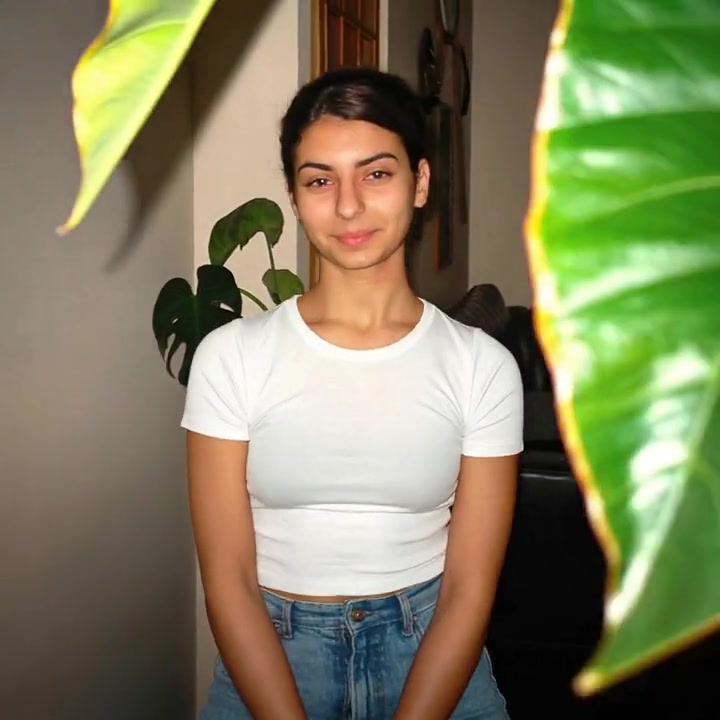 Last photo
Through the Years
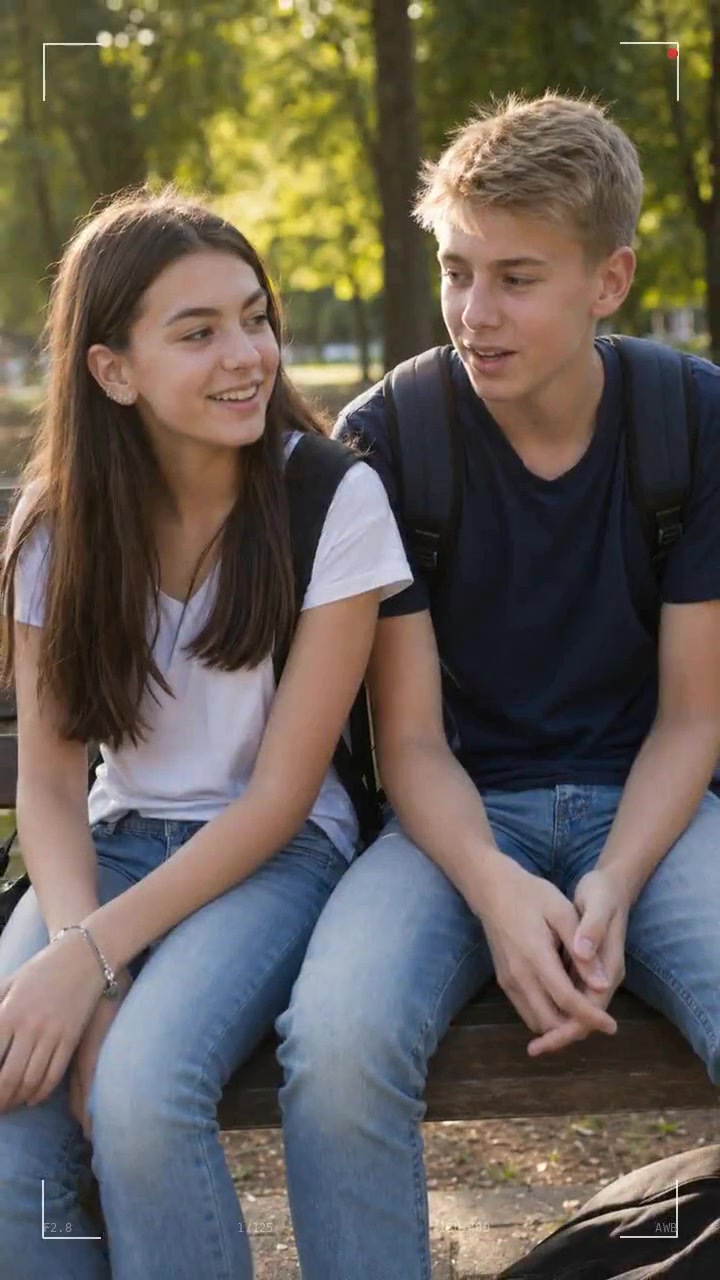 First photo
 Last photo
Together Through Time
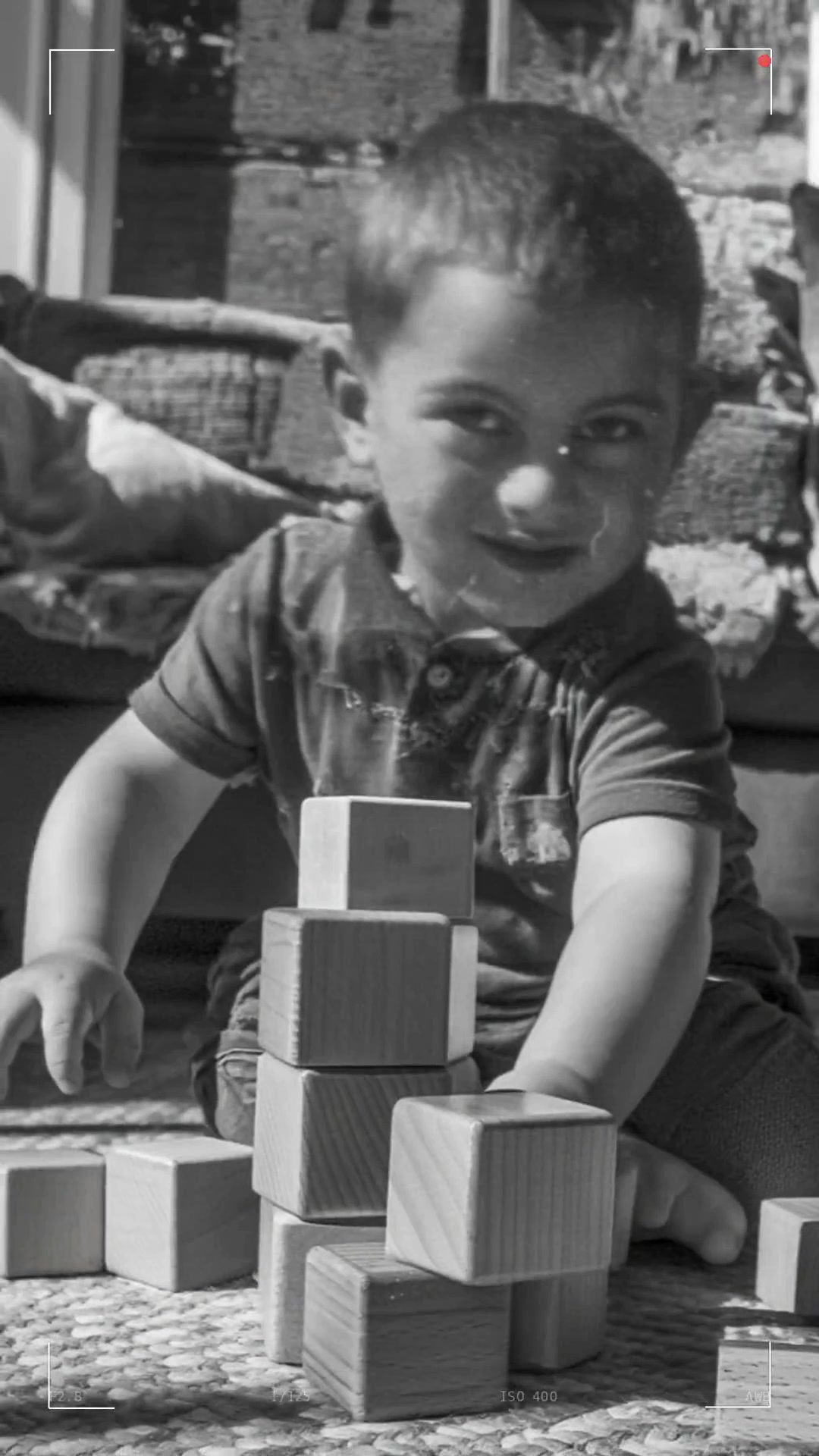 First photo
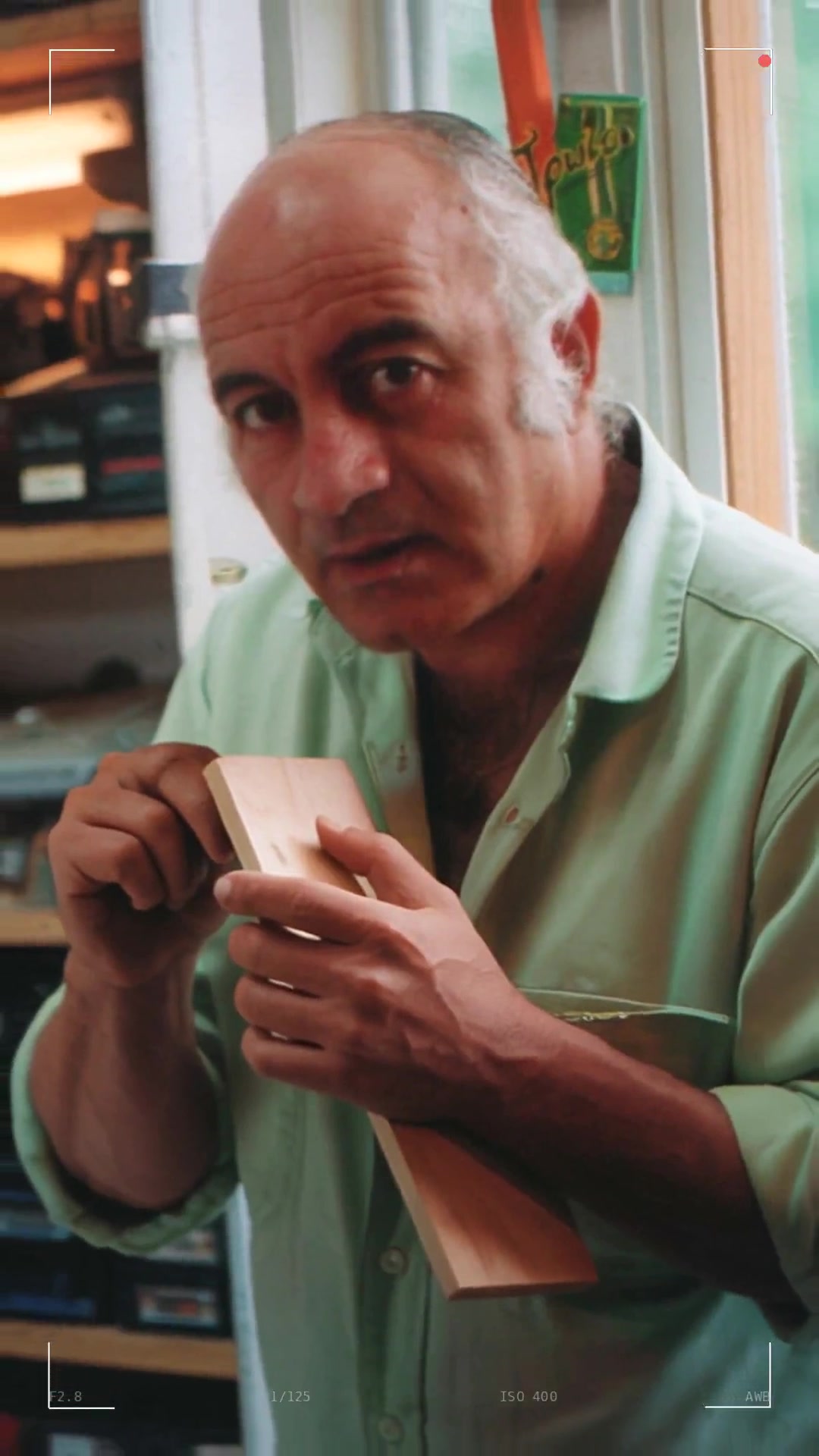 Last photo
Birthday
 First photo
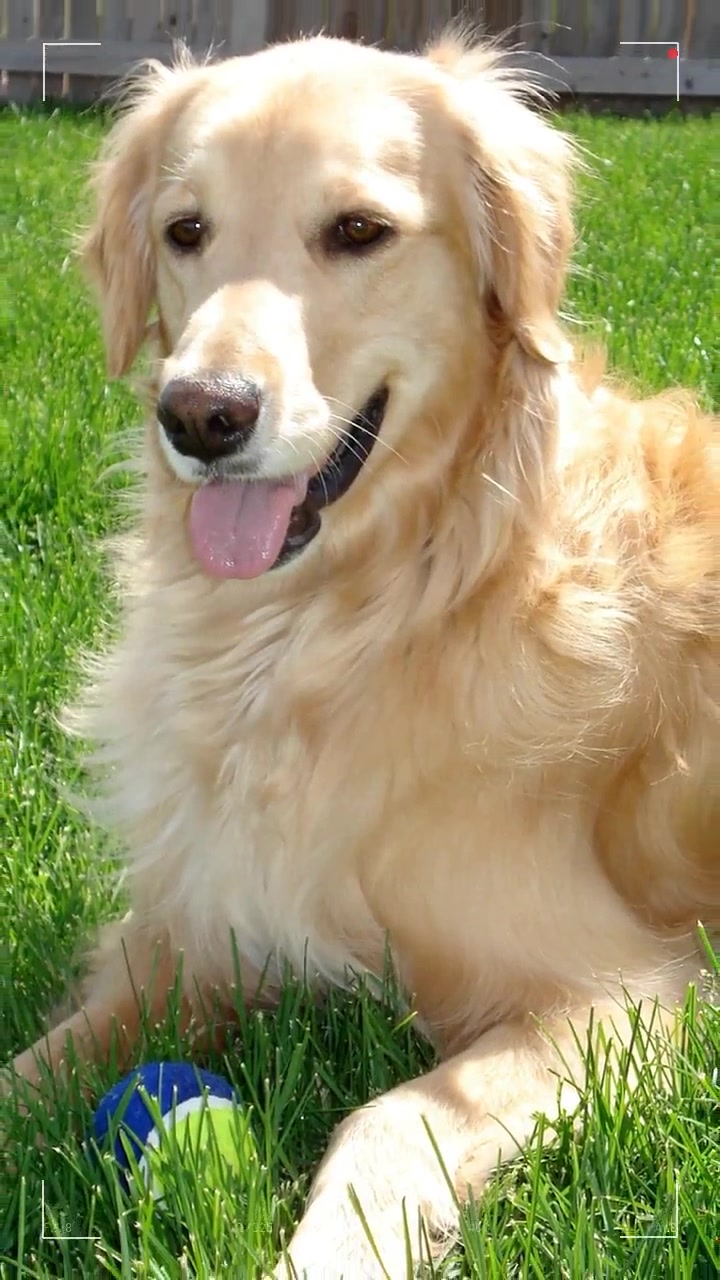 Last photo
A Dog's Life
Real Photos, Not an Age Filter
Most "see yourself older" tools guess a face from one picture. A growing up video is made only from photos of the real person at real ages, so every face on screen is really them.
- Faces stay theirs
- Each transition starts and ends on one of your photos, so the video never drifts into a stranger.
- Two people, kept apart
- In couple mode both faces grow up side by side without blending into each other.
- Two versions of every video
- A continuous morph, and a version that pauses on each of your photos for slideshows and parties.
- Redo what you do not love
- Regenerate any single transition instead of starting the whole video again.
Growing Up Video Ideas for Every Milestone
A few minutes of photos turned into the moment everyone remembers.
Wedding
The bride or groom from first steps to the big day, or both of you growing up side by side before the first dance.
Milestone birthday
Turning 1, 18, 30 or 50: a whole life in seconds, played on the TV at the party.
Bar mitzvah, quinceañera and sweet 16
The coming-of-age montage, from baby photos to the person in the spotlight today.
Graduation
Kindergarten to cap and gown, for the party, the yearbook slideshow or a proud parent post.
Mother's Day and Father's Day
A gift that is about them: mom or dad from their own childhood to today.
Memorial tribute
A gentle life-story video for a service or celebration of life, made from the family album.
Christmas gift
For the grandparents who have everything: the grandkids growing up in one video.
Glow up
Your own glow up video, from awkward school photos to today, ready for TikTok and Reels.
Growing Up Video Pricing: Pay Once Per Video
One-time payment per video, no subscription. Roll the photo count up to 32 and the price updates.
First Taste
Try itSee the result before you go all in: one short video from 5 photos.
$4.90/ video
Photos
Up to 5 photos
- Up to 5 photos
- 4 transitions
- Redo any 2 segments
- Private and secure storage
- No watermark
- One per customer
Standard
Most popularOur proven model: smooth, natural transitions from start to finish.
$9.90/ video
Photos
- Up to 8 photos
- 7 transitions
- Redo any 5 segments
- Private and secure storage
- No watermark
- Continuous and pause-on-photo versions
Premium
Best resultsOur best engine, for the most lifelike faces and the sharpest motion.
$19.90/ video
Photos
- Up to 8 photos
- 7 transitions
- Redo any 5 segments
- Closer likeness to every photo
- Sharper, smoother motion
- No watermark
- Full refund within 30 days if you are not happy
- Photos deleted after 30 days
- Secure checkout
Growing Up Video FAQ
Everything you need to know before you make yours.
How do you make a growing up video?
Upload 2 to 32 photos of the same person at different ages, in any order. The AI estimates the age in each photo and sorts them from youngest to oldest, then makes a short AI transition between every pair of neighboring photos. The transitions are joined into one video with music, and the MP4 is ready in about 5 to 10 minutes.
How do I make an AI growing up video of myself?
Collect photos of yourself from different ages, from baby pictures to a recent selfie, and upload them here. You do not need editing skills or an app: the AI sorts them by age and morphs each age into the next. Because it only uses your real photos, the face in every frame is really you, not a guess from an aging filter.
What is an age morph video?
An age morph video, also called a growing up timelapse or face morph video, joins real photos of the same person at different ages with smooth AI transitions, so years of growing up play out in seconds.
How many photos do I need, and which work best?
You need at least 2 and can use up to 32. More photos make a longer, smoother video, since each transition is about 5 seconds. Clear, front-facing photos with one person (or one pet) work best, at least 600 px on the short side, in JPG, PNG or WebP. Any order is fine.
How long does it take to make the video?
Most videos are ready in 5 to 10 minutes. You get two versions: a continuous morph, and one that pauses briefly on each of your photos. If one transition is not right, you can redo just that segment.
How much does a growing up video cost? Is it free?
There is no free version, and no subscription: you pay once per video. First Taste is $4.90 for a short video from 5 photos, once per customer. Standard starts at $9.90 for 8 photos (up to $33.90 for 32), and Premium, our most lifelike engine, starts at $19.90 (up to $73.90 for 32). If you are not happy, you get a full refund within 30 days.
Can I make a growing up video of a couple or a pet?
Yes. Choose "Two people" to show a couple, siblings or best friends growing up side by side, with each face kept separate, or "Pet" for a puppy or kitten growing into the dog or cat you have today.
Which format should I pick?
Pick 9:16 for Reels, TikTok and Stories, 1:1 for an Instagram post, and 16:9 for a TV, a projector at an event or YouTube. Every video downloads as an MP4.
Does the video come with music?
Yes. Every video comes with music that fits the occasion, so it is ready to play at a wedding, a birthday or a memorial as soon as you download it.
Are my photos private?
Yes. Your photos are used only to make your video, are never shown publicly or sold, and are deleted automatically after 30 days, together with the finished video. Download your video before then.
Their whole story, in one short video
Gather the photos, and the AI does the rest in minutes.